

Cash Management
Easily monitor and authorize transactions, also check their status

Flexible
Enjoy the seamless business transaction experience on various devices

Integrated Solution
Various convenience and solutions for business transactions in a place
myBCA Bisnis
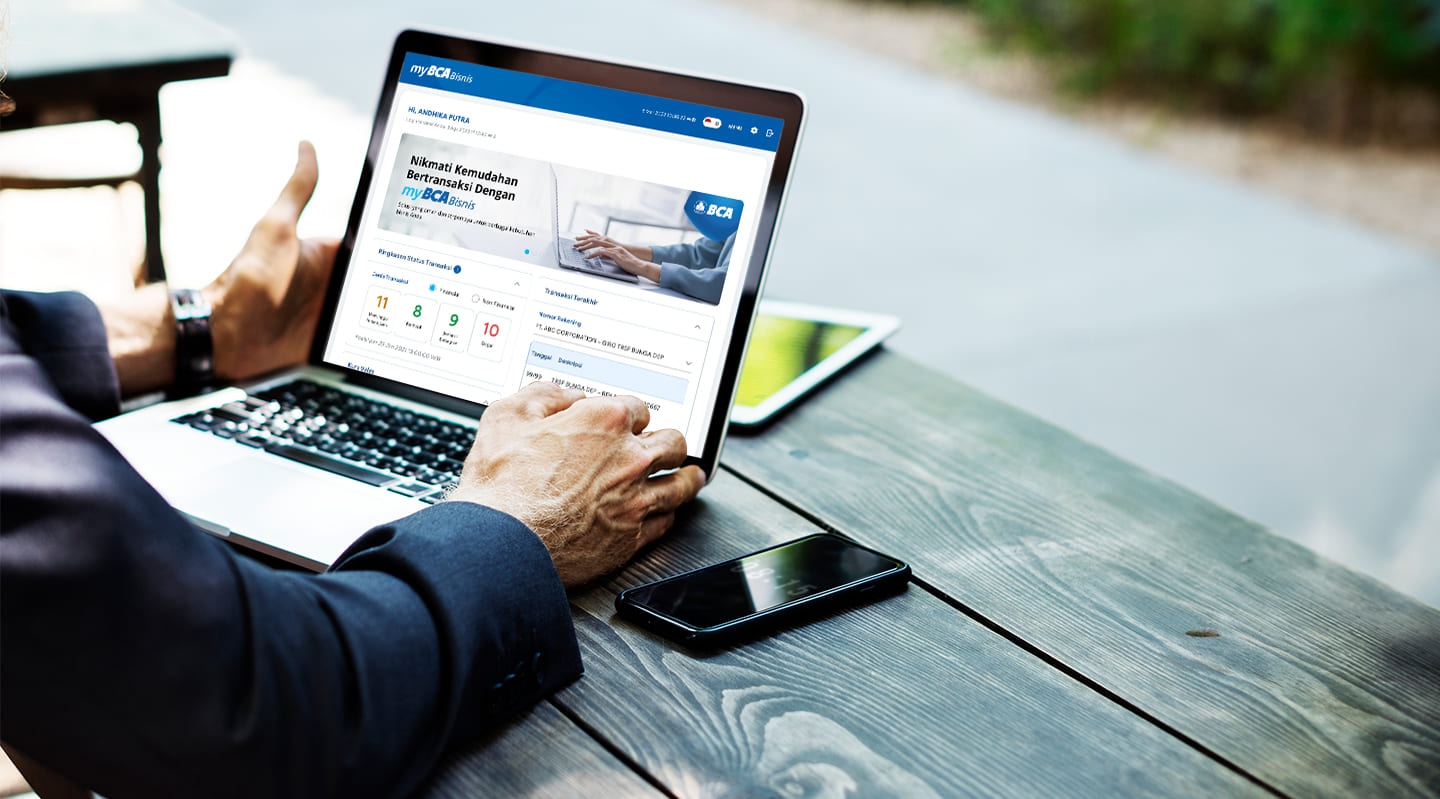
myBCA Bisnis is an internet banking service that can be accessed on various devices to perform transactions, authorizations, status checks, and address various cash management needs.
- Accounts
- Account Information
View balance information, account types, branch names, and other account details. - Account Statement
View debit and credit transactions for each account registered on the myBCA Bisnis service. Account statements can be downloaded individually or multiple accounts at once. - e-Statement
Download monthly account statement information, Customer Portfolio Reports, and Withholding Tax Certificates in softcopy, based on the selected period. - Deposit
Opening and disbursing e-Deposit accounts online through myBCA Bisnis without the issuance of a physical deposit certificate, as well as conducting inquiries for Deposit and e-Deposit accounts owned by business customers. - Credit Cards
View and download credit card information, transactions, and bills registered on myBCA Bisnis. - Business Debit Card
Manage financial activities of Deposit Card, Petty Cash Card, and Loyalty Card, including cash inflows and outflows. - Cheque Book Request
Order cheque books and Bilyet Giro (BG) online. - Access Card and Fleet
Add, manage, delete, and download reports related to registered Access Card and Fleet Card activity.
- Account Information
- Transfer
- Transfer to Your Own BCA Accounts
Transfer to your own BCA accounts and other BCA accounts in IDR, USD, SGD, HKD, AUD, EUR, GBP, JPY, and CNY. - Domestic Interbank Transfer
Transfer from a BCA account to another domestic bank account in Rupiah. - Transfer Funds to BCA Virtual Account
Transfer to BCA Virtual Account in Rupiah. Customers can make transfers with transaction types such as no bill, fixed bill, and variable bill, with options for same-day or future-dated transactions. - Outward Remittance
Transfer foreign currency funds to other bank accounts (Outward Remittance), both domestically and abroad, using BCA accounts as the source of funds, in Rupiah or foreign currency. For a foreign-currency source of funds, the transaction currency between the source and destination accounts must be the same. - Payroll
Salary payments for the company's employees, collectively, to BCA accounts or other bank accounts (LLG/RTGS/BI-FAST). - Bulk Transfer
Transfer funds in bulk to BCA accounts or other banks (LLG/RTGS) through file upload. Customers can choose the authorization type, either authorizing the entire file at once (bulk authorization) or authorizing a specific part of the file (individual authorization). In addition, customers can also access supporting information about a transaction, such as detailed payment data sent to the beneficiary via email, using the Remittance Advice function - File Import
Upload transaction files in bulk through the myBCA Bisnis service and Host to Host (H2H) feature, but authorization is done per record and can be carried out simultaneously across multiple different transaction files. - Underlying Documents
Upload documents that serve as the underlying for foreign-currency transactions. If the transaction exceeds the threshold, the system automatically calculates the accumulated threshold. - Beneficiary List
Register, change, and delete destination accounts individually or in bulk for transfers to BCA accounts, other domestic banks, BCA Virtual Accounts, and interbank foreign currency. In addition, customers can also determine access rights for each account number.
- Transfer to Your Own BCA Accounts
- Payment & Payables
- Payment & Top Up
Payment of various types of needs, namely Telkom, Postpaid, Penerimaan Negara, PLN, BPJS Kesehatan, Water, Internet & Cable TV, Insurance, Loans, BCA & Other Bank Credit Cards, PBB, BPJS TK, and Other Regional Taxes. Payments can also be made in bulk. - e-Billing
Creation of billing codes and payment of billing code bills, both individually and in bulk. - Payee List
Save, edit, and delete the list of payment institutions for various payment types and top-ups, individually or in bulk via file upload. - Pay B2B Invoice
allows customers to pay or reject incoming invoices from Biller.
- Payment & Top Up
- Receivables
- Collection Mandate
View the list of collection debit authorizations registered with BCA by the customer. - Collection
Individual or bulk account debit made by the Company Partner to be credited to one or more accounts, where the debit process has been authorized by the account holder. - BCA Virtual Account
Create a virtual account number using the customer data file upload, then download the customer data that was successfully created. The virtual account number is a means for customers to pay bills. - BCA Virtual Account Report
Transaction reports on payments to the customer's virtual account number. - Billing List
add, edit, or delete billing list to be used in the Send B2B Iny feature. - Send B2B invoice
send invoices to payer and monitor invoices status realtime.
- Collection Mandate
- Liquidity
- Sweep Execution Results
View the results of Sweep execution of the customer's Sweep instructions. - Sweep Structure
See the Sweep Execution Instructions and Results executed by BCA. Sweep is used to automatically and on a scheduled basis transfer balances in customer accounts according to the customer's settings.
- Sweep Execution Results
- Financing
- Credit Facility Information
View the debtor's facility and loan data. - Credit Statement
View the transaction history on a specific loan account number for customers or debtors. The type of credit facility that can be accessed for a credit statement is Time Loan Increasing Notes. - Credit Documents
Access the latest credit documents consisting of SPPK (Notice of Credit Granting) and SPPJ (Notice of Term Extension) owned by debtor customers. - Credit Facility Payment
The credit facility payment for various loan repayment schedules. - Supply Chain Finance (SCF)
A financing solution that involves a relationship between the buyer company, the seller company, and BCA to optimize cash flow throughout the supply chain. The SCF features available through MBB include Invoice Upload, Invoice Management, SCF Loans, Scheduled Transaction Cancellation, SCF Information, and SCF Reports.
- Credit Facility Information
- Trade
- Bank Guarantee
Inquire and download information on previous Bank Guarantee applications, request the issuance of a Bank Guarantee, and request the amendment of a Bank Guarantee previously issued by BCA.
- Bank Guarantee
- FX & Treasury
- J-Valas
Access the J-Valas application without having to log in again. The myBCA Bisnis serves solely as an entry point to access the J-Valas application.
- J-Valas
- Activity
- Transaction Status Summary
View transaction activity and status information, and authorize transactions in a single screen. - Transaction Limit Information
View the applicable limits and remaining transaction limits that can still be used, such as Company Daily Limit, Account Limit, User Releaser Limit, and Direct Authorization Limit. - Download Request Results
Download all files requested by customers for each feature in myBCA Bisnis. - Recurring Transaction Information
View information about the status of recurring transactions that have been made.
- Transaction Status Summary
- Host to Host (H2H)
A feature to conduct online and real-time banking transactions from the customer's internal system, using either authorization or the myBCA Bisnis platform. Here are the MBB features that can be run through H2H MBB:- Business Card Upload & Report
- Remittance Advice, Outward Remittance, Bulk Transfer, Payroll, File Import
- e-Billing, Bulk Payment
- Bulk Collection
- SCF Report, SCF Invoice Upload, Scheduled Transaction Cancellation, Accelerated Dealer Financing Maturity
- MT940 Report (H2H & SWIFT)
- Customers can make banking transactions provided by BCA online and in real-time for 24/7.
- Transactions are safe and convenient because they can only be accessed on the secure connection network and the use of KeyBCA in transactions.
- There are various features in myBCA Bisnis services designed to meet every customer's business needs.
- Misuse of the myBCA Bisnis service may occur, among others, due to the customer’s KeyBCA (Hard Token) or KeyBCA Bisnis (Soft Token) being lost or stolen; cards, BCA ID Bisnis, PIN/Password/OTP being disclosed to other parties; and transaction data leaks caused by myBCA Bisnis customers’ negligence.
- The possibility of network disruption that may cause banking transactions through myBCA Bisnis services cannot be carried out.
- Customers are Corporate/Organizational Customers, Business Individuals, Bank Remittance Companies/Non-Bank Fund Transfer Providers who have accounts with BCA.
- Customers can access myBCA Bisnis services after registering for Ocean by BCA by:
- Visiting the nearest Branch Office, Corporate Branch Office, or contacting the Relationship Manager (RM).
- Filling out the Ocean by BCA form and conditions.
- Providing supporting documents, including:
- Articles of Association or Bylaws (corporate customers)
- Ocean by BCA Owner Identity Document and User Identity Document to be registered
- After the Ocean by BCA application is processed, customers will get:
- Corporate ID
- User ID
- KeyBCA (Hard Token) and KeyBCA PIN are sent separately for security and confidentiality when transacting on myBCA Bisnis service (if you choose to use Hard Token)
- Email for Soft Token activation (if you choose to use Soft Token)
- Host to Host Application
- The myBCA Bisnis service provides an H2H feature that enables customers to conduct online, real-time banking transactions from their internal systems. Customers who apply for H2H MBB are required to build an H2H network infrastructure and system in accordance with the Technical Specification Document from BCA to enable transactions through the H2H MBB feature.
- Regarding the use of H2H MBB:
- Only corporate customers with a myBCA Bisnis account can use the H2H facility.
- Customers must provide sufficient facilities in accordance with the BCA specifications.
- Types of myBCA Bisnis H2H delivery facilities include:
- SSH File Transfer Protocol (SFTP), a means of sending data and/or transaction documents between the Customer’s internal system and the BCA system, using the Secure Shell (SSH) protocol, with the server located at BCA (SFTP BCA).
- BCA Client, a means of sending data and/or transaction documents between the myBCA Bisnis customer's internal system and the BCA system, or vice versa, using the Secure Link Management Protocol (SLMP) and Transport Layer Security (TLS). Customers who own myBCA Bisnis services can also monitor transaction activity through BCA Client Monitoring.
- BCA will provide supporting facilities, namely:
- An SFTP application, including an SFTP User ID, password, and Pretty Good Privacy (PGP) Security Key, and/or
- A BCA Client application, including user ID and password for BCA Client Monitoring, as well as Pretty Good Privacy (PGP) Security Key.

myBCA Bisnis Lite
The myBCA Bisnis complementary service application can be used as KeyBCA in the form of a Soft Token and carry out authorization activities via PIN via a mobile device.