

Practical
Access Appli 1 and Appli 2 KeyBCA Bisnis digitally at your convenience

Efficient
Authorize transactions directly from the palm of your hand

Realtime Monitoring
Monitor financial and non-financial activities and transactions easily
myBCA Bisnis Lite
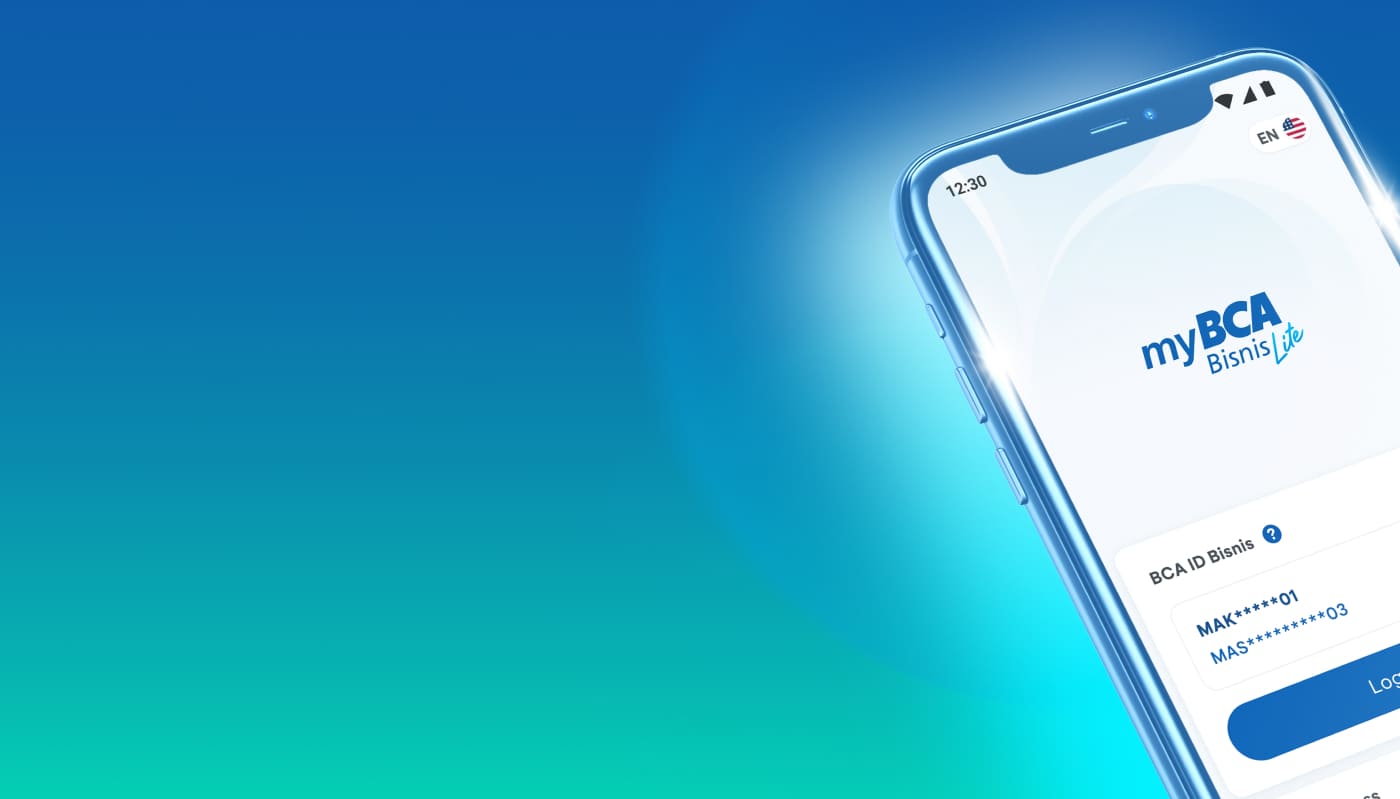
myBCA Bisnis Lite is a complementary application of myBCA Bisnis services. This mobile-based application is designed to help myBCA Bisnis customers use KeyBCA as Soft Tokens and complete authorization activities via PIN on mobile devices.
- Soft Token
Generate the response code required at login and during transaction authorization. - Authorization
Verify, approve, release, or cancel transactions to BCA using the PIN created. The PIN is valid for all financial and non-financial transactions, single or bulk, in accordance with the workflow settings created in the myBCA Bisnis service. - Transaction Status Summary
View information on the number of financial and non-financial transactions by status, available to myBCA Bisnis Lite users. - Account
See 5 favorite accounts that will appear on the Homepage screen, account information, account mutations, and e-statements, according to User ID account access. - Dashboard
View total cash flow information for accounts based on User ID access, along with usage and remaining limit information, and BCA e-rate exchange rate information. - Status
View transaction status information for financial and non-financial features, both singular and bulk. - Setup
Language settings, changing passwords or PINs, and enabling biometrics for logging in to the Authorization service. - Help Center
Feature to contact Halo BCA Bisnis (24 hours) via phone or WhatsApp, and to access BCA website links, OCEAN website links, and other help links.
- Get the convenience of accessing KeyBCA in digital form without the need to bring a physical KeyBCA.
- There is no KeyBCA replacement fee in the event of device damage or loss.
- Get the convenience of authorizing transactions anytime, anywhere on the customer's mobile device.
- More practical in viewing and monitoring financial and non-financial transaction information through a mobile app.
- Misuse of PIN/Password/OTP, and BCA ID Bisnis due to negligence from customers.
- The possibility of a network disruption that may prevent banking transactions through myBCA Bisnis Lite from being carried out.
- User IDs registered with myBCA Bisnis must first be granted access by Sysadmin or through BCA Branches. The following User IDs can be granted access to myBCA Bisnis Lite:
- After access is granted, Users can download myBCA Bisnis Lite from the App Store (iOS) or the Play Store (Android) and follow the activation flow in accordance with BCA's provisions. Users can also access myBCA Bisnis Lite for Soft Tokens and/or Authorization, as permitted by the access provided.
- To activate another User ID in myBCA Bisnis Lite, the User must reactivate that ID.

myBCA Bisnis Lite
Aplikasi complementary layanan myBCA Bisnis yang dapat digunakan sebagai KeyBCA dalam bentuk Soft Token dan melakukan aktivitas otorisasi via PIN melalui mobile device.